
গুরুতর স্থানীয় LLM কাজের জন্য 16GB VRAM কি যথেষ্ট?
Table of Contents
আপনার model, context এবং runtime একসঙ্গে ফিট হলে 16GB dedicated GPU memory গুরুতর স্থানীয় LLM কাজ সমর্থন করে। Weights load হওয়া প্রথম শর্ত পূরণ করে মাত্র। কার্যকর সেটআপে চলমান conversation-এর জন্য যথেষ্ট memory এবং কাজ শেষ করার মতো speed দরকার।
একজন ব্যবহারকারীর coding বা document workflow-এর বাজেট বোঝাতে Qwen3.8 27B-এর worked example ব্যবহার করুন। কাজের প্রয়োজনীয় context দিয়ে শুরু করুন, তারপর বাকি memory-তে ফিট করে এমন weights এবং runtime setting বেছে নিন। Hardware specification এবং model source 7 October 2026-এ পরীক্ষা করা হয়েছে।
প্রধান বিষয়
- Quantization বেছে নেওয়ার আগে context-এর জন্য memory রাখুন।
- Output speed থেকে prompt processing আলাদা করে মাপুন।
- অব্যবহৃত vision support বন্ধ করুন এবং 8-bit KV cache পরীক্ষা করুন।
- নির্দিষ্ট GPU, backend, model file এবং prompt length তুলনা করুন।
- আপনার workload এবং provider bill থেকে ownership saving হিসাব করুন।
এই budgeting exercise-এর জন্য runtime memory log, exact model filename এবং একটি representative task দরকার। Setup ও result record করতে প্রায় 20 মিনিট রাখুন, inference time বাদে। Difficulty intermediate।
কাজের সঙ্গে memory মিলিয়ে নিন
Weights, active context এবং temporary allocation available GPU memory-এর মধ্যে থাকলে 16GB উপযুক্ত। প্রয়োজনীয় context কাজের ওপর নির্ভর করে। Short document summary এবং dozens of files পড়া coding agent-এর budget এক নয়।
| Workload | প্রথম sizing প্রশ্ন |
|---|---|
| Short chat বা drafting | Model কি আপনার quality target পূরণ করে? |
| Document analysis | Source text এবং answer কি একসঙ্গে ফিট করে? |
| Coding agent | File এবং tool result কত context খরচ করে? |
| Concurrent request | প্রতিটি active session-এর কত cache দরকার? |
Configured window এবং occupied window আলাদা। 64K limit ও short prompt-এর benchmark 55K conversation token-এর পর generation মাপে না। Hardware বাছার আগে আপনার প্রত্যাশিত session length-এর কাছাকাছি পরীক্ষা করুন।
Modelটি কেন ফিট করে
Quantization কম bit দিয়ে weights সংরক্ষণ করে। Bartowski-এর Qwen3.8 27B file table -এ Q4_K_M-এর আকার 17.44 GB, যা runtime memory ধরার আগেই 16 GiB device-এর প্রায় 17.18 billion byte ছাড়িয়ে যায়।
ISTA-DASLab-এর GSQ-RCO model card -এ IQ3_S-এর আকার 11.8 GB। এই পদ্ধতি size budget-এর মধ্যে বিভিন্ন tensor-এ বিভিন্ন precision দেয়। Optional MTP version প্রায় 0.35 GB যোগ করে, আর vision projector প্রায় 0.9 GB যোগ করে।
| Published benchmark | BF16 / IQ3_S score |
|---|---|
| AIME25 | 100.00 / 100.00 |
| LiveCodeBench v6 | 85.71 / 85.71 |
| GPQA-Diamond | 89.90 / 89.39 |
Lab এই operating point-কে “task-lossless” বলে। নির্বাচিত result একটি সীমিত comparison সমর্থন করে। এগুলো identical answer, equal long-context retrieval অথবা আপনার coding task-এ equal reliability প্রমাণ করে না। নিজের acceptance criteria দিয়ে compressed model পরীক্ষা করুন।
Cache গুনুন
KV cache আগে process করা token-এর attention key ও value রাখে। Prompt, tool output এবং generated answer context খরচ করে। কিছু runtime startup-এ cache capacity allocate করে, তাই প্রতিটি message-এর সঙ্গে displayed memory বাড়তেই হবে এমন নয়।
Qwen configuration -এ 64 layer, প্রতি চতুর্থ layer-এ full attention, চারটি KV head এবং 256 head dimension আছে। 16টি full-attention layer-এর জন্য calculated FP16 cache cost:
16 layers × 4 KV heads × 256 elements × 2 (K and V) × 2 bytes
= 65,536 bytes per token
= 64 KiB per token
এই calculation recurrent state, alignment, temporary buffer এবং speculative decoding allocation বাদ দেয়। অন্য architecture-এর calculation আলাদা হবে।
| Occupied token | FP16 full-attention cache |
|---|---|
| 32,768 | 2 GiB |
| 65,536 | 4 GiB |
| 131,072 | 8 GiB |
| 262,144 | 16 GiB |
এখানে KiB ও GiB 1024-এর power ব্যবহার করে। Model download size decimal GB ব্যবহার করে। Unit মেশালে অবশিষ্ট budget ভুল দেখায়।
Available context-এর budget করুন
দুটি setting দীর্ঘ text session-এর জন্য memory ছাড়ে: অব্যবহৃত vision projector সরানো এবং cache precision কমানো। Loaded model এবং runtime allocation-এর বিপরীতে তাদের প্রভাব হিসাব করুন।
এই worked example ব্যবহার করুন, যেখানে সব allocation decimal GB-এ। নিচের 1.0 GB reserve planning assumption, universal runtime default নয়।
| Allocation | Vision on / vision off |
|---|---|
| Physical 16 GiB capacity | 17.180 / 17.180 GB |
| Model weights | 11.800 / 11.800 GB |
| Optional MTP head | 0.350 / 0.350 GB |
| Vision projector estimate | 0.930 / 0 GB |
| Assumed other allocations | 1.000 / 1.000 GB |
| Left for growing cache | 3.100 / 4.030 GB |
প্রতি token 65,536 byte হলে 3.100 GB প্রায় 47,300 token ধরে। Vision বন্ধ থাকলে ideal 8-bit storage প্রতি token 32,768 byte ব্যবহার করে প্রায় 123,000 token ধরে।
বাস্তব q8_0 storage-এ block scale থাকে। প্রতি 32 value-তে 34 byte হলে এই example-এ প্রতি token প্রায় 34,816 byte লাগে, তাই estimate প্রায় 115,700-এ নামে। Additional allocation result আরও কমায়। তাই এই assumption-এ প্রায় 110K একটি যুক্তিসঙ্গত planning result, guaranteed setting নয়।
অবশিষ্ট context-এ input এবং output দুটিই থাকতে হবে। 65,536-token window-এ illustrative 30,000-token initial prompt এবং 8,192-token output allowance file, tool result ও conversation-এর জন্য 27,344 token ছাড়ে। Initial prompt budget example। নিজের tool ও instruction মাপুন।
পরীক্ষা করার মতো setting
llama.cpp server documentation -এ আলাদা key ও value cache type, automatic projector loading এবং parallel slot নথিভুক্ত আছে। Text-only workload-এ vision বন্ধ, দুই cache type-এর জন্য q8_0 এবং one slot পরীক্ষা করুন। প্রথমে modest context ব্যবহার করুন।
Context বাড়ানোর আগে resulting allocation record করুন। Cache quantization-এর জন্য নির্বাচিত architecture ও backend-এর support দরকার। Precision বদলানোর পরে answer quality পরীক্ষা করুন। Comparison-এর জন্য working configuration রাখুন।
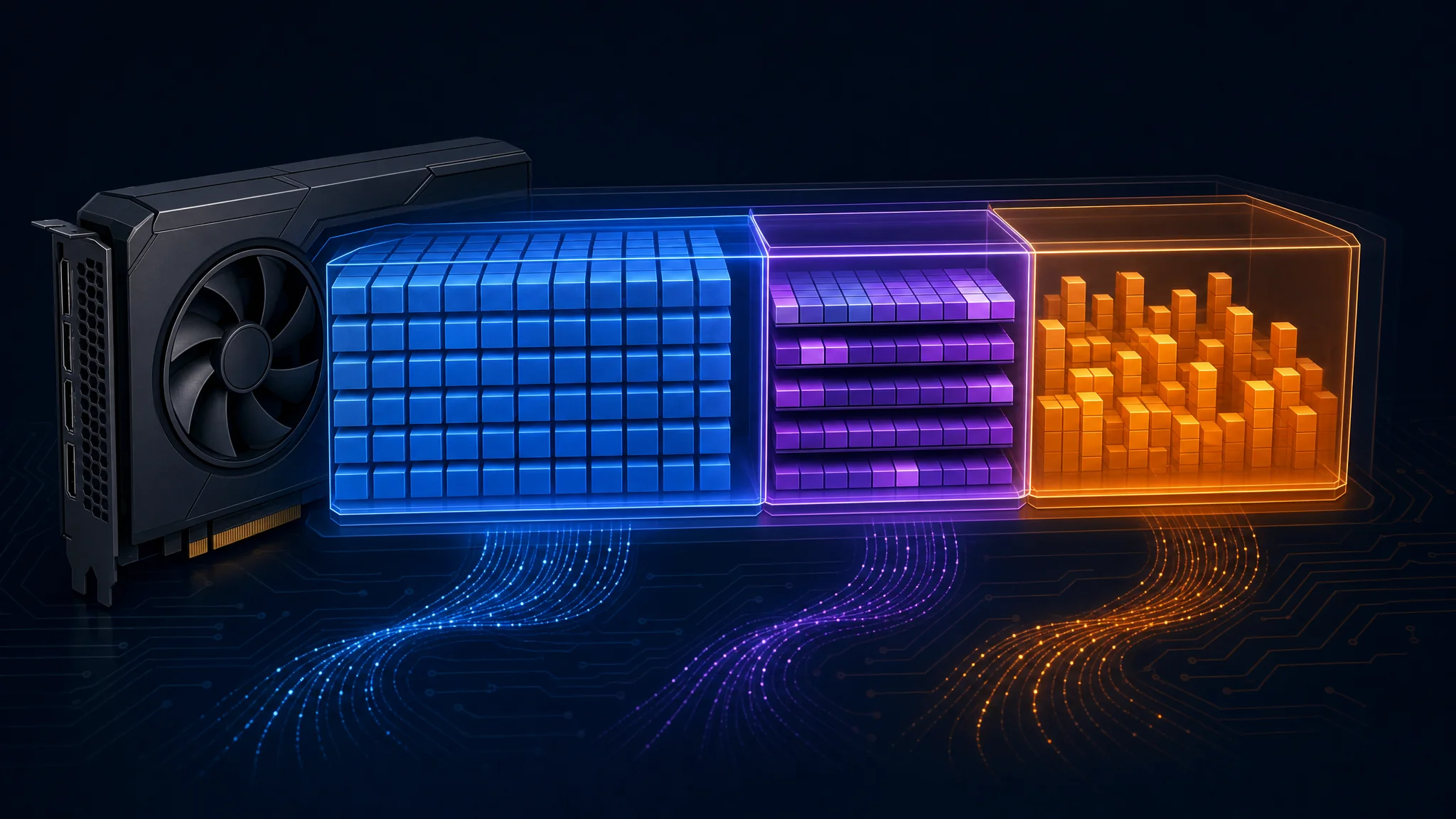
নীল weights, বেগুনি context cache এবং কমলা runtime allocation বোঝায়। Size illustrative
Speed কেন আলাদা হয়
16GB label capacity বোঝায়। Throughput memory bandwidth, compute kernel, active context, offload, batching এবং speculative decoding-এর ওপরও নির্ভর করে।
| কারণ | কী পরীক্ষা করবেন |
|---|---|
| CPU বা RAM offload | Loaded layer placement এবং cache location |
| Long context | Measurement-এর সময় occupied token |
| Backend difference | Runtime commit, driver এবং kernel path |
| Speculative decoding | Accepted draft এবং extra allocation |
এক token করে generation করা dense model-এর ক্ষেত্রে memory bandwidth-কে resident weight byte দিয়ে ভাগ করলে bandwidth-only rough estimate পাওয়া যায়। 448 GB/s এবং 11.8 GB weights-এ quotient প্রায় 38 token per second। Cache read ও computation কাজ বাড়ায়, আর speculative decoding ও batching assumption বদলায়।
এই quotient-কে universal upper bound ভাববেন না। Higher reported output rate নিজে থেকে benchmark invalid করে না। এক target-model pass একাধিক draft token accept করেছে কি না দেখুন।
Multi-token prediction, বা MTP, compatible model এবং runtime চায়। Short ও long occupied context-এ enabled এবং disabled run তুলনা করুন। Extra weights ও draft state memory খরচ করে, কিন্তু 32K token-এর পর MTP বন্ধ করার universal rule নেই।
প্রথম reply মাপুন
Generation-এর আগে prefill prompt process করে। Decode answer তৈরি করে। বড় uncached prompt দিয়ে task শুরু হলে দ্রুত decode result ধীর first response লুকিয়ে রাখে।
Prompt-processing time estimate করতে uncached prompt token-কে measured prefill throughput দিয়ে ভাগ করুন। নতুন 30,000-token prompt-এ দুটি illustrative rate এই wait দেয়:
| Example prompt rate | Calculated processing time |
|---|---|
| 750 tokens/s | 40 seconds |
| 150 tokens/s | 200 seconds |
এই example processing time বোঝায়, model loading এবং request overhead বাদে। Prompt length, batch size, model format এবং backend measured rate-এ প্রভাব ফেলে।
Cold request এবং reusable prefix-সহ continuation আলাদা করে মাপুন। Prefix reuse repeated input-এর কিছু অংশ process করা এড়ায়। Decode rate ও total task duration-এর পাশে time to first token record করুন।
Complete GPU setup তুলনা করুন
Purchase price, usable memory, bandwidth এবং software path একসঙ্গে তুলনা করুন। Workload unsupported feature চাইলে বা latency target-এর চেয়ে বেশি সময় নিলে কম দামের card-এর advantage থাকে না।
| 16GB desktop card | Memory bandwidth |
|---|---|
| RX 9060 XT | 320 GB/s |
| RTX 5060 Ti | 448 GB/s |
| RX 9070 | 640 GB/s |
| RX 9070 XT | 640 GB/s |
AMD-এর RX 9070 specification এবং RX 9070 XT specification 16GB capacity এবং up-to-640 GB/s bandwidth নিশ্চিত করে। 640-to-448 comparison প্রায় 43% বেশি theoretical bandwidth দেয়। এই specification থেকে 43% inference improvement অনুসরণ করে না।
আপনার intended model ও backend ব্যবহার করা benchmark বেছে নিন। Short prompt ও sustained generation-এ decode performance-কে বেশি weight দিন। Repository analysis-এ cold prefill, long-context speed এবং successful task completion অগ্রাধিকার দিন। যেকোনো vendor কেনার আগে available software পরীক্ষা করুন।
Mac ও laptop label
16GB Apple silicon Mac CPU, GPU, operating system এবং application-এর মধ্যে memory ভাগ করে। Dedicated 16GB GPU-তে system RAM-এর পাশাপাশি dedicated video memory থাকে। এই capacity দুটি equivalent model budget বোঝায় না।
Apple একটি recommended GPU working-set size প্রকাশ করে। Runtime-এর reported allowance এবং system memory pressure দেখুন। পুরো shared pool inference-এর জন্য budget না করে macOS ও অন্য application-এর জন্য জায়গা রাখুন।
Laptop-এ manufacturer-এর exact SKU, dedicated memory, GPU power limit এবং cooling পরীক্ষা করুন। NVIDIA RTX 5060 family page desktop RTX 5060 Ti memory variant তালিকাভুক্ত করে। Family name একা 16GB প্রমাণ করে না, এবং desktop result laptop throughput প্রমাণ করে না।
Ownership কি লাভ দেয়?
Avoided hosting charge operating cost ছাড়িয়ে hardware purchase recover করলে ownership financially লাভজনক হয়। Output-only example দিয়ে শুরু করুন: $789 card, 35 output token/s, generation-এর সময় 180W, $0.18/kWh electricity এবং প্রতি million hosted output token $2.95। এগুলো illustrative input। নিজের purchase quote, measured power, electricity rate ও provider pricing দিয়ে বদলান।
Hours per million output tokens = 1,000,000 ÷ 35 ÷ 3,600 = 7.94
Electricity per million = 7.94 × 0.180 kW × $0.18/kWh = $0.257
Savings per million = $2.95 - $0.257 = $2.693
Break-even output = $789 ÷ $2.693 = 293 million tokens
Continuous generation time = 293 × 7.94 ÷ 24 = about 97 days
প্রতিদিন আট ঘণ্টা uninterrupted generation-এ একই হিসাব প্রায় 291 দিন নেয়। Assistant খোলা রেখে আট ঘণ্টা এবং token generation-এর আট ঘণ্টা এক নয়।
Hosted output price প্রতি million $0.16 হলে এই scenario-তে local electricity hosting-এর চেয়ে বেশি খরচ করে। এই assumption-এ output-only positive break-even point নেই।
Selected provider-এর current OpenRouter model pricing ব্যবহার করুন, input এবং cached-input charge-সহ। Prefill-সহ পুরো system energy মাপুন। Upgrade, idle energy, maintenance এবং expected resale value যোগ করুন। Accepted work তুলনা করুন, কারণ retry ও quality difference প্রতি task cost বদলায়।
কখন memory যোগ করবেন
Measured workload acceptable quality ও latency-তে available context ছাড়ালে 16GB-এর বাইরে যান। Daily long agent session, concurrent request অথবা higher-precision weight-এর জন্য বড় capacity উপকারী।
দুটি 16GB card-এর explicit runtime support দরকার। এগুলো transparent 32GB allocation হয়ে যায় না। প্রতিটি device-এর buffer দরকার, এবং communication host interconnect ব্যবহার করে।
| Split strategy | প্রধান tradeoff |
|---|---|
| Layer split | আলাদা layer আলাদা device-এ থাকে |
| Tensor বা row split | Layer-এর ভেতরের কাজ communication যোগ করে |
| CPU plus GPU | ভিন্ন latency profile-সহ বেশি capacity |
Motherboard, power supply, cooling এবং backend আগে থেকেই plan support করলে second card বিবেচনা করুন। Larger single GPU-এর সঙ্গে complete system cost তুলনা করুন। 32GB Qwen hardware guide এই alternative কভার করে।
Troubleshooting এবং পরবর্তী পদক্ষেপ
Loading fail হলে context কমিয়ে allocation দেখুন। Session চলাকালীন speed কমলে occupied context এবং CPU offload পরীক্ষা করুন। First response আটকে গেলে cold prefill মাপুন। Compression-এর পরে tool use ভাঙলে higher-precision model দিয়ে একই task তুলনা করুন।
আপনার normal instruction, file এবং tool output-সহ একটি repeatable test রাখুন। Model revision, runtime version, cache precision, occupied context, peak memory, first-token latency, decode speed এবং task pass হয়েছে কি না record করুন। Longest expected session-এর কাছাকাছি আবার পরীক্ষা করুন।
ছোট alternative তুলনা করতে local model and context guide ব্যবহার করুন। Quality requirement পূরণ করা smallest model বেছে নিন, তারপর complete task-এর জন্য যথেষ্ট memory রাখুন। এই শর্তে 16GB একটি উপযুক্ত workstation target।
Related Posts